Moniebook vs Sell Everyday: Which Retail POS Wins?
By SELL EVERYDAY Team
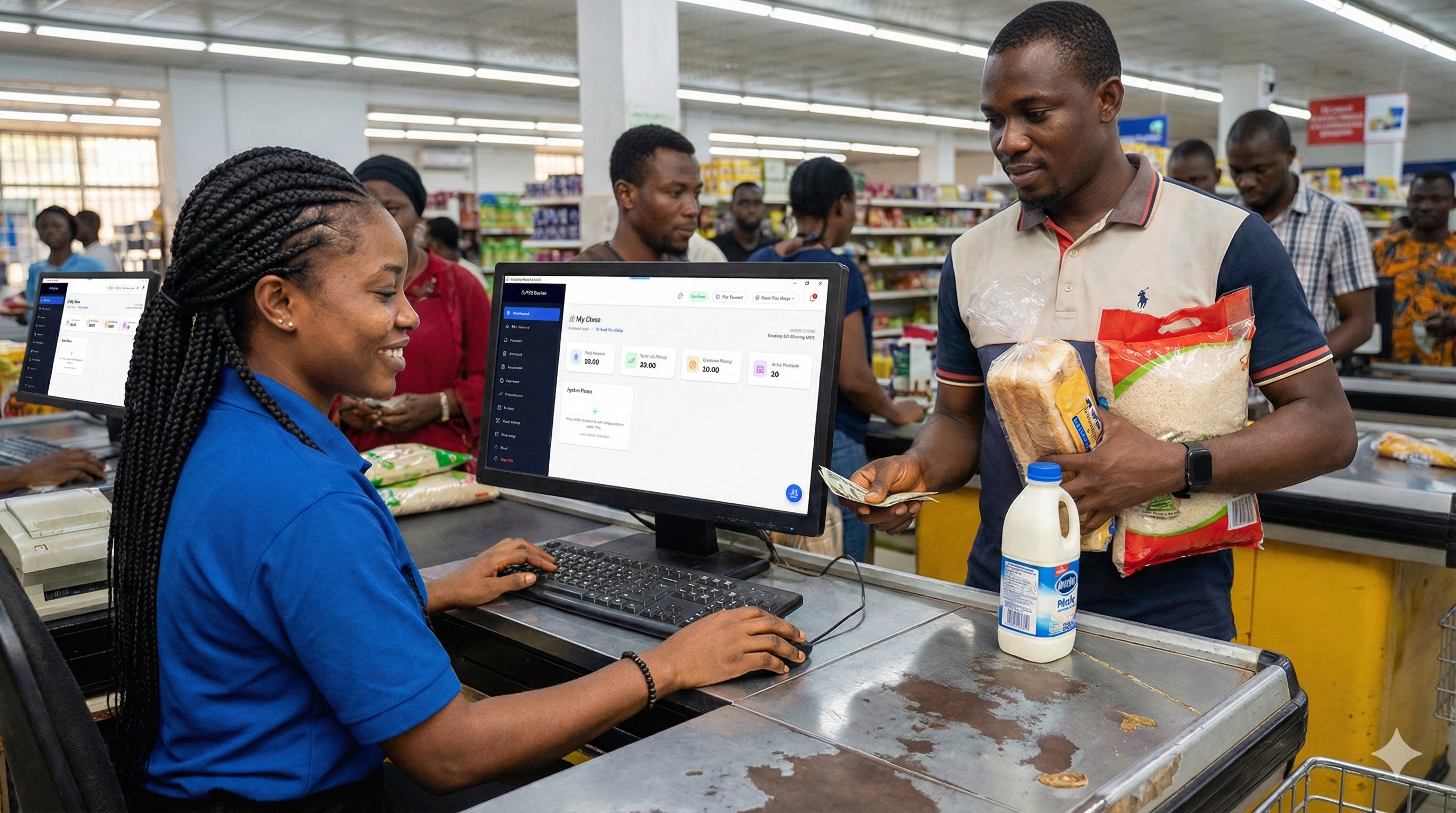
If you walk into retail stores across Ikeja, Wuse II, or Trade Fair in Lagos, you will notice a familiar pattern at the checkout counter: a small, blue or yellow Android terminal sitting next to a pile of paper ledger notebooks and a calculator.
For many Nigerian merchants, Moniepoint solved the single biggest nightmare of running a business: reliable payment collection. When commercial bank USSD and card rails collapsed during the 2023 cash crunch, Moniepoint kept the lights on. Building on that goodwill, Moniepoint launched Moniebook—an all-in-one bookkeeping and POS software built directly into their terminal hardware.
On paper, combining your card terminal with your store register sounds like an obvious win. But as any retailer running more than ₦3 million in monthly turnover quickly realizes, payment processing and retail store management are two completely different engineering problems.
This is where Sell Everyday enters the ring. Instead of treating retail software as an afterthought attached to a banking terminal, Sell Everyday is an offline-first inventory command engine built specifically to keep checkouts moving when networks drop, prevent cashier shrinkage, and manage multiple branches.
Here is an unvarnished, architectural look at how Moniebook and Sell Everyday stack up across real-world store operations.
1. Hardware Architecture: Dedicated Terminal vs. Open Hardware
The most immediate operational difference between the two systems is what you hold in your hands.
The Moniebook Approach (Hardware Lock-in)
Moniebook is built primarily for Moniepoint’s proprietary smart POS terminals.
- The Upside: You have one handheld device on the counter that scans cards, takes bank transfers, logs the sale, and spits out a thermal receipt. There are no cables snaking across the desk.
- The Operational Trap:
- Checkout Bottlenecks: A 5.5-inch touchscreen is decent for a kiosk or a single-attendant boutique. But try barcode scanning 40 grocery items on a busy Friday evening using a handheld camera scanner or typing items on a tiny digital keypad. Long queues form immediately.
- Single Point of Failure: If the terminal battery dies, the screen cracks, or the internal printer jams, your entire checkout lane is paralyzed. You can’t ring up sales, you can’t look up inventory, and you can’t issue receipts.
- No Dual-Screen or Heavy Peripheral Support: You cannot easily plug in a commercial 2D desktop omnidirectional barcode scanner, a heavy-duty cash drawer that triggers open automatically on cash tender, or an external customer-facing pole display.
The Sell Everyday Approach (Hardware Freedom)
Sell Everyday is platform-agnostic by design. It runs as a native desktop application on Windows, in any modern web browser, on Android tablets, or on smartphones.
- Run on What You Already Own: Got a desktop PC or an old HP laptop sitting in the manager’s office? Install the Windows setup package (
.msi) or open the web app. Got sales reps walking the floor? Let them ring up orders on an Android tablet or phone using the camera scanner. - Enterprise Peripheral Compatibility: Plug in standard USB/Bluetooth ESC/POS thermal printers (58mm or 80mm), USB barcode guns, and automatic cash drawers.
- Decoupled Payments: You are not locked into one bank. You can use your Moniepoint terminal, OPay, or standard bank POS purely for payment settlement, while your retail system maintains clean, uncorrupted inventory logs.
2. Network Resilience: Cloud-Reliant vs. True Offline-First
In Nigeria, the internet is not an ambient utility like air; it is an unpredictable variable. Between fiber optic cuts, cell tower congestion during evening rush hours, and data provider glitches, asking your checkout counter to maintain a constant 4G connection is asking for lost revenue.
| Failure Scenario | Moniebook Terminal | Sell Everyday Engine |
|---|---|---|
| MTN/Airtel 4G drops during checkout | Freezes card lookup; software stalls or fails to verify cart items. | Zero interruption. Local IndexedDB/memory serves barcodes instantly. |
| PHCN power cut / Gen changeover | Terminal runs on internal battery (good), but shop router drops. | Laptops and phones keep selling uninterrupted with local offline queue. |
| Network returns after 2 hours | Requires manual refresh; risk of interrupted session sync. | Silent background sync automatically pushes batched receipts to the cloud. |
The Moniebook Reality
While Moniebook has introduced offline logging capabilities, it is still architecturally tied to a payment-first terminal ecosystem. When the SIM card loses signal, the terminal cannot verify card transactions. Because the software and payment rail share the same hardware lifeline, cashiers instinctively stop ringing up cash or manual transfer sales when the terminal displays “Network Error.”
The Sell Everyday Reality
Sell Everyday is engineered from the ground up as an offline-first local engine:
- Every product SKU, pricing rule, barcode, and customer debt balance is cached locally on the machine.
- When your cashier scans a barcode, the system doesn’t send an HTTP request to a server in Lagos or Frankfurt. It queries local memory in less than 50 milliseconds.
- Cash and recorded transfer transactions are signed locally and queued into an encrypted offline sync vault.
- The second your WiFi or hotspot reconnects, the engine silently flushes the queue to the cloud database with full conflict resolution. Your customers never wait, and your lines never stall.
3. Inventory Depth: Basic Stock Count vs. Real Retail Operations
Here is a simple truth about retail: If your software cannot handle unit-of-measure conversions and theft auditing, your inventory will never reconcile.
Wholesale Delivery: 1 Carton of Lucozade Boost (Contains 24 Bottles)
               │
               ▼
Sell Everyday Inventory Logic:
├── Tracked as: 1 Wholesale Carton (₦18,000 cost)
└── Auto-Breakdown: 24 Single Retail Units (₦1,000 selling price)
    └── Stock adjusts automatically whether sold by pack or by single bottle
Moniebook’s Inventory Ceiling
Moniebook is primarily a bookkeeping system. It answers: “What came in, what left, and what money was collected?” It handles simple catalog listings well—e.g., selling a pair of shoes, a wristwatch, or a plate of jollof rice. However, for high-turnover FMCG (Fast-Moving Consumer Goods), mini-marts, and pharmacies:
- It struggles with nested packaging (buying in cartons, selling in singles or half-dozens).
- It lacks weighted-average cost calculation when replenishment prices fluctuate every two weeks due to inflation.
- It does not offer multi-branch stock transfer manifests (e.g., dispatching 50 cartons from your Alaba warehouse to your Lekki retail shop).
Sell Everyday’s Inventory Engine
Sell Everyday is built for deep retail:
- Unit Breakdown Engine: Buy a carton of paracetamol or energy drinks, and sell individual sachets or bottles. The inventory adjusts dynamically without manual ledger recalculation.
- Weighted-Average Costing: When your supplier increases the wholesale cost of rice from ₦75,000 to ₦88,000 midway through the month, Sell Everyday recalculates your profit margins accurately rather than distorting your financial statements.
- Inter-Store Transfers: Generate stock transfer vouchers between branches with dual-signature confirmation (dispatched vs. received) to identify stock leaks in transit.
4. Cashier Anti-Theft & Audit Controls
Internal shrinkage (staff theft) kills more retail businesses in Nigeria than bad government policies or high diesel prices.
Common checkout fraud schemes include:
- The Ghost Void: Cashier scans 4 items, takes cash from the customer, voids 2 items off the screen after the customer walks out, and pockets the difference.
- The Unauthorized Discount: Cashier knocks off ₦1,500 for a friend using manual price overrides.
- The Unrecorded Debt: Cashier sells goods on credit without recording it in the ledger, intending to collect the money personally later.
Moniebook’s Security Stance
Because Moniebook is designed around the terminal owner, staff permission tiers are basic. In a small shop where the owner operates the machine personally, this is fine. But when you hire three shifts of sales attendants who run the register while you are away, handheld terminal interfaces make granular supervisor overrides clumsy.
Sell Everyday’s Defense Layers
Sell Everyday implements strict, enterprise-grade access boundaries:
- Strict Role-Based Permissions: Cashiers cannot delete items from a registered cart, apply custom discounts, or view your cost prices without an administrator or manager PIN override.
- The Discrepancy & Audit Log: Every single manual quantity adjustment, cancelled sale, or refunded item is permanently logged with timestamps and cashier IDs.
- Shift Reconciliation (Z-Reports): At the end of each shift, the system requires cashiers to perform a blind cash count before revealing system-expected cash balances, instantly exposing drawer shortages.
5. Pricing & Deployment Comparison: SaaS vs. Perpetual License
Cost is where the business models diverge dramatically.
| Pricing Element | Moniebook (Moniepoint) | SELL EVERYDAY |
|---|---|---|
| Initial Hardware Outlay | Must purchase Moniepoint Smart Terminal hardware. | ₦0 if you already own a PC, laptop, tablet, or smartphone. |
| Monthly Software Plans | Tiered subscription per terminal / pro register. | Mini: ₦3,000/mo Growth: ₦7,000/mo Boss: ₦11,000/mo Scale: ₦15,000/mo |
| Transaction Processing Fees | Standard MDR transaction fees applied to card/transfer settlements. | ₦0 transaction fee. You keep 100% of your sales revenue. |
| In-Premise / LAN Option | None. Cloud/terminal only. | Yes. Perpetual one-time licenses (₦75k to ₦300k) with local LAN server sync. |
| Branches Supported | Managed per terminal / registered account. | Up to 10+ branches on SaaS, or unlimited on In-Premise License. |
The In-Premise Differentiator
For large supermarkets, pharmacies, and wholesale depots that refuse to be at the mercy of internet subscriptions, Sell Everyday offers an In-Premise Perpetual License. You pay once, host your own data locally over your store’s Local Area Network (LAN), connect multiple checkout lanes to a central in-store server, and eliminate recurring monthly software fees entirely. Moniebook has no equivalent for this.
The Verdict: Which System Should You Choose?
Choose Moniebook If:
- You operate a small kiosk, food truck, salon, or single-attendant shop where floor space is extremely limited.
- Your primary objective is collecting card and transfer payments reliably on a single handheld device.
- You have a low SKU count (under 50 simple items) and do not need complex carton-to-unit inventory breakdowns.
- The business owner or a trusted family member runs the checkout counter personally.
Choose Sell Everyday If:
- You run a supermarket, pharmacy, cosmetics store, electronics shop, or wholesale depot with hundreds or thousands of SKUs.
- You operate multiple checkout counters and need standard desktop barcode scanners, high-speed thermal printers, and automated cash drawers.
- You manage or plan to open multiple store branches and need unified reporting, inter-branch stock transfers, and store-level manager permissions.
- Internet downtime costs you real money, and you require an offline-first engine that processes checkouts in milliseconds without network lag.
- You want the option of a one-time perpetual LAN license rather than endless monthly fees.
Ready to test the difference?
You don’t need to replace your existing payment terminals to test Sell Everyday. Set up your store in minutes and run it alongside your existing setup.
👉 Start your 14-day free trial on Sell Everyday or schedule a live demo with our technical retail team.